Canva vs Clipchamp
Where they differ

Only on Clipchamp
- Speech-to-text
- Text-to-speech
- Screen recording
- Also on Windows and macOS
From the pricing tiers and capability tags we track. A capability missing on one side means we have not recorded it there, not that the tool cannot do it.
At a glance
Canva and Clipchamp both appear in this directory's video listings. Prices below were read from the vendors' own pages, most recently on October 19, 2026. Canva starts at $180/yr; no paid figure is confirmed for Clipchamp. We track image editing on Canva and speech to text on Clipchamp; both cover video editing and templates. No score and no winner: the facts do the picking.
Capability tags are factual labels we assign when a tool is added; they describe what a tool does, not how well it does it.
Checked against the vendors. Written from each vendor's own site and last re-checked there: Canva (under review since October 19, 2026) · Clipchamp on October 19, 2026. Vendors change pricing and features without notice, so confirm anything that decides your purchase on the vendor's page.
Canva
Design AI-powered social posts, videos, presentations, and visual content
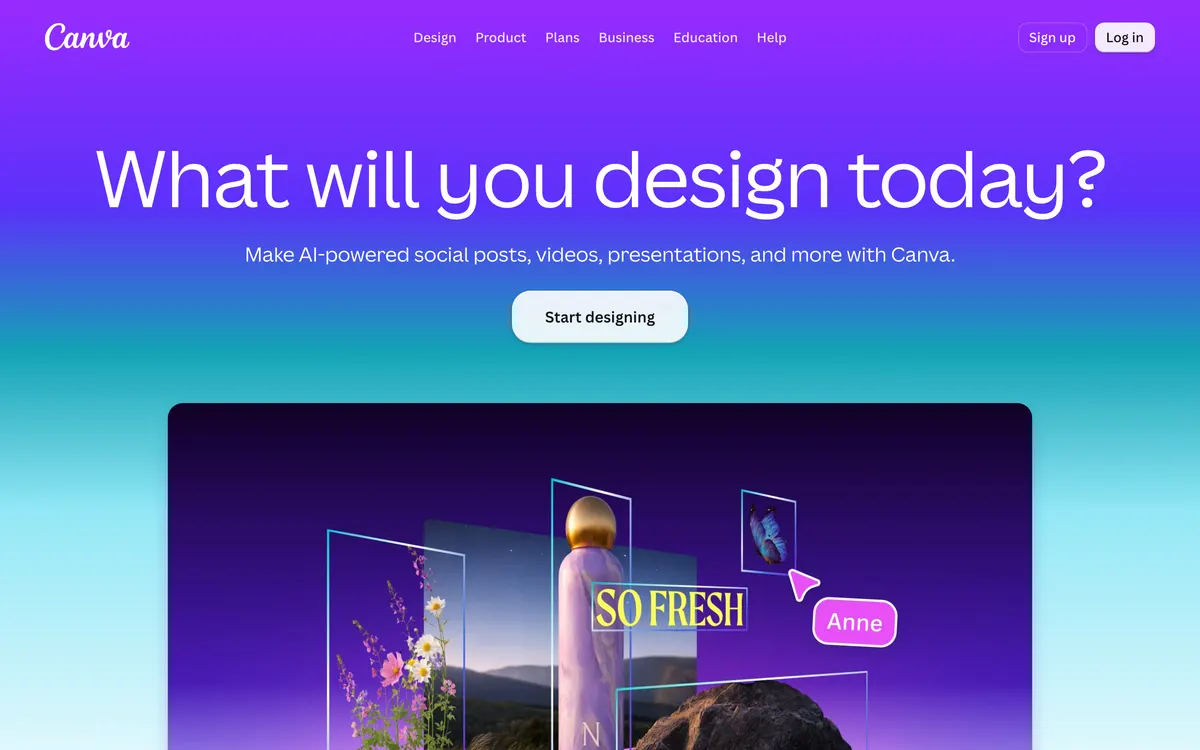
Canva is a visual design platform that helps users create social posts, presentations, and videos with AI-powered features. It includes specialized utilities like Magic Layers, Magic Write, Magic Eraser, and automated Background Remover. Users can build digital assets using extensive template libraries or order physical items through the built-in Print Shop.
Clipchamp
Online and desktop video editor with built-in AI tools
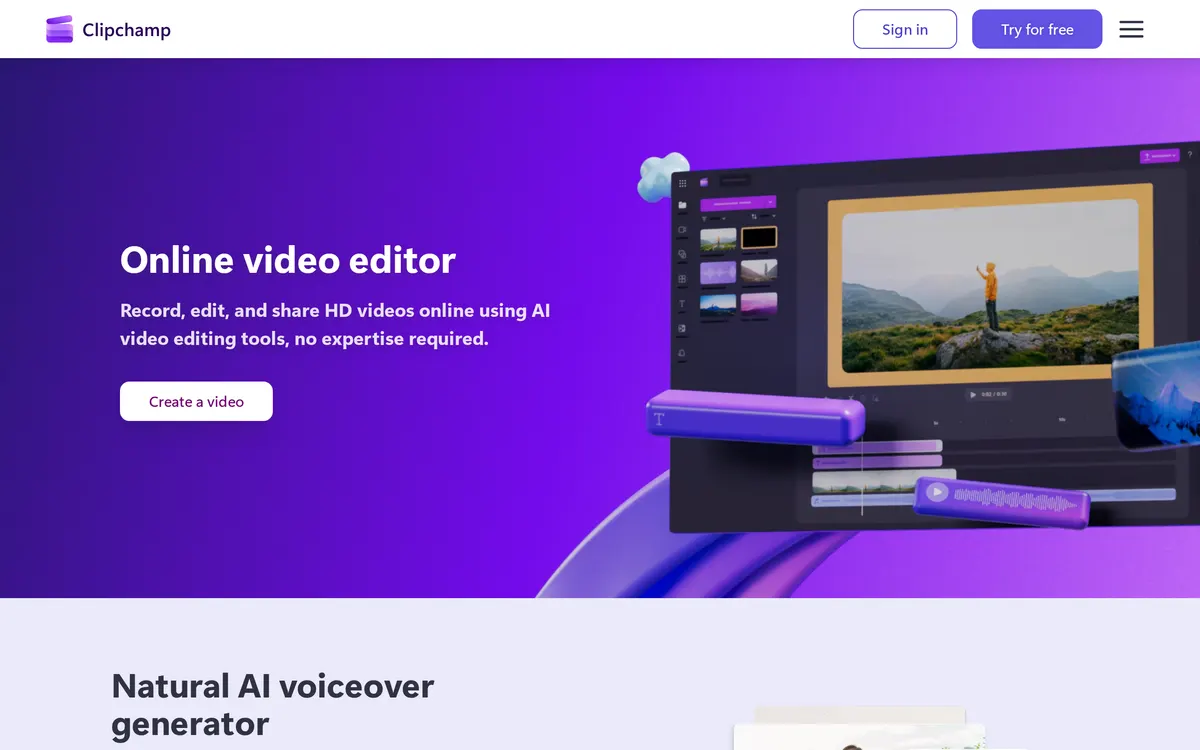
Clipchamp is a video editing application accessible directly in web browsers or through a dedicated Windows app. It provides smart features such as an AI subtitle generator supporting over 80 languages, realistic text-to-speech voiceovers, and watermark-free video exports. Users can capture screen and camera footage, apply stock media, and render videos up to 4K UHD resolution.
Also in video
A tool we have an affiliate relationship with. It is not part of the comparison above and we are not calling it the better pick.

- Repurposing long videos into short social clips
- Removing background noise and isolating audio tracks
- Generating subtitles and speech in multiple languages
Key features
Canva
- AI Image Generator and Image Upscaler
- Magic Eraser and one-click Background Remover for images and video
- Magic Layers to turn flat images into editable layouts
- Magic Write for text generation and editing
- Full video editor with stock clips, animations, and AI-powered captions
Clipchamp
- AI subtitle generator with captions in over 80 languages
- Natural text-to-speech voiceover generator with adjustable pitch and pace
- In-browser and desktop screen, webcam, and voice recorder
- AI audio cleanup to eliminate background noise and filler words
- Watermark-free video exports in up to 4K UHD resolution
What each one does well
Canva
- ✓ Creating branded social media graphics and marketing materials
- ✓ Building AI-assisted slide decks and presentations
- ✓ Editing short-form videos with automated captions and stock assets
Clipchamp
- ✓ Generating subtitles and realistic voiceovers across 80+ languages
- ✓ Recording screen and webcam video directly from a web browser
- ✓ Exporting watermark-free HD and 4K video clips without advanced editing skills
People also ask
Does Canva or Clipchamp have a free plan?
Both Canva and Clipchamp publish a free plan.
What is the difference between Canva and Clipchamp?
Canva and Clipchamp are both tracked for video-editing, templates. Of the capabilities they do not share, only Canva is tracked for image-editing, image-generation, presentations, upscaling, and only Clipchamp is tracked for speech-to-text, text-to-speech, screen-recording, audio-editing.
How much do Canva and Clipchamp cost?
Canva: free plan, then $180/yr. Clipchamp: free plan available.
Answers are generated from the tracked plans and capability tags shown above, so they move when the vendors' pages do.
Full fact sheets, FAQs, and discussion links: Canva · Clipchamp · all video tools