Claude vs Cursor
Cheapest paid tier each vendor publishes. Free plans are listed above; tiers priced on request are not plotted because there is no figure to plot.
Where they differ

Only on Claude
- Generative writing
- Agentic coding
- Research
- Also on Web, iOS, Android and API
From the pricing tiers and capability tags we track. A capability missing on one side means we have not recorded it there, not that the tool cannot do it.
At a glance
Claude and Cursor both appear in this directory's code listings. Prices below were read from the vendors' own pages, most recently on October 26, 2026. Paid plans start at the same figure on both: $20/mo. We track generative writing on Claude and code editor on Cursor; both cover ai chat. No score and no winner: the facts do the picking.
Capability tags are factual labels we assign when a tool is added; they describe what a tool does, not how well it does it.
Checked against the vendors. Written from each vendor's own site and last re-checked there: Claude (under review since October 26, 2026) · Cursor (under review since October 12, 2026). Vendors change pricing and features without notice, so confirm anything that decides your purchase on the vendor's page.
Claude
AI assistant for writing, coding, research, and analysis

Claude is an AI assistant from Anthropic. It handles writing, coding, research, data analysis, and image understanding through a chat interface, with support for file uploads and long documents. It is available on the web, in desktop and mobile apps, and through an API.

Cursor
AI-native code editor built on VS Code
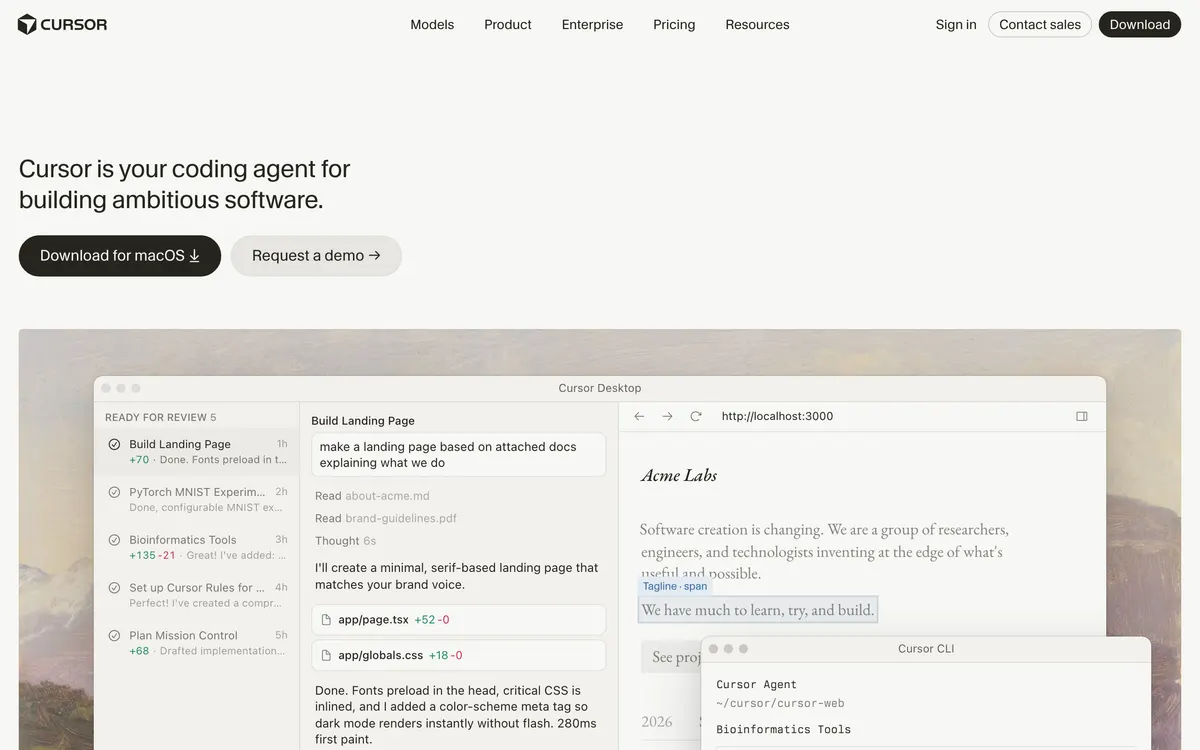
Cursor is a code editor forked from VS Code with AI assistance built into the core workflow. It can edit across multiple files from a natural-language prompt, answer questions about a codebase, and apply changes inline.
Also in code
A tool we have an affiliate relationship with. It is not part of the comparison above and we are not calling it the better pick.

- Automating end-to-end tests for pull requests
- Testing third-party web apps without source code access
- Validating desktop, web, and extension user interfaces
Key features
Claude
- Chat with document, image, and code uploads
- Writing, editing, and summarization
- Code generation and debugging, plus agentic coding with Claude Code
- Web search with cited answers
- Artifacts: interactive documents and apps built in-chat
- Projects with shared context for long-running work
Cursor
- Multi-file edits from a single prompt
- Codebase-aware chat and search
- Inline completions and refactors
- Works with existing VS Code extensions
What each one does well
Claude
- ✓ Drafting and editing long-form writing
- ✓ Coding, from quick scripts to multi-file work with Claude Code
- ✓ Digesting long documents, PDFs, and spreadsheets
- ✓ Research questions with cited web sources
- ✓ Analyzing images, screenshots, and charts
Cursor
- ✓ Editing across many files from one natural-language prompt
- ✓ Understanding an unfamiliar codebase through chat
- ✓ Staying in a familiar VS Code environment while adding AI
People also ask
Which is cheaper, Claude or Cursor?
Neither is cheaper: Claude and Cursor both start at $20/mo.
Does Claude or Cursor have a free plan?
Both Claude and Cursor publish a free plan.
What is the difference between Claude and Cursor?
Claude and Cursor are both tracked for ai-chat. Of the capabilities they do not share, only Claude is tracked for generative-writing, agentic-coding, research, documents, ai-agents, and only Cursor is tracked for code-editor, code-completion, refactoring, codebase-context.
How much do Claude and Cursor cost?
Claude: free plan, then $20/mo. Cursor: free plan, then $20/mo.
Answers are generated from the tracked plans and capability tags shown above, so they move when the vendors' pages do.
Full fact sheets, FAQs, and discussion links: Claude · Cursor · all code tools