Cursor vs Tabnine
Where they differ

Only on Cursor
- Code editor
- AI chat
- Refactoring
- Also on macOS, Windows and Linux
From the pricing tiers and capability tags we track. A capability missing on one side means we have not recorded it there, not that the tool cannot do it.
At a glance
Cursor and Tabnine both appear in this directory's code listings. Prices below were read from the vendors' own pages, most recently on October 12, 2026. Cursor starts at $20/mo; no paid figure is confirmed for Tabnine. We track code editor on Cursor and ide integration on Tabnine; both cover code completion and codebase context. No score and no winner: the facts do the picking.
Capability tags are factual labels we assign when a tool is added; they describe what a tool does, not how well it does it.
Checked against the vendors. Written from each vendor's own site and last re-checked there: Cursor (under review since October 12, 2026) · Tabnine (under review since October 12, 2026). Vendors change pricing and features without notice, so confirm anything that decides your purchase on the vendor's page.
Cursor
AI-native code editor built on VS Code
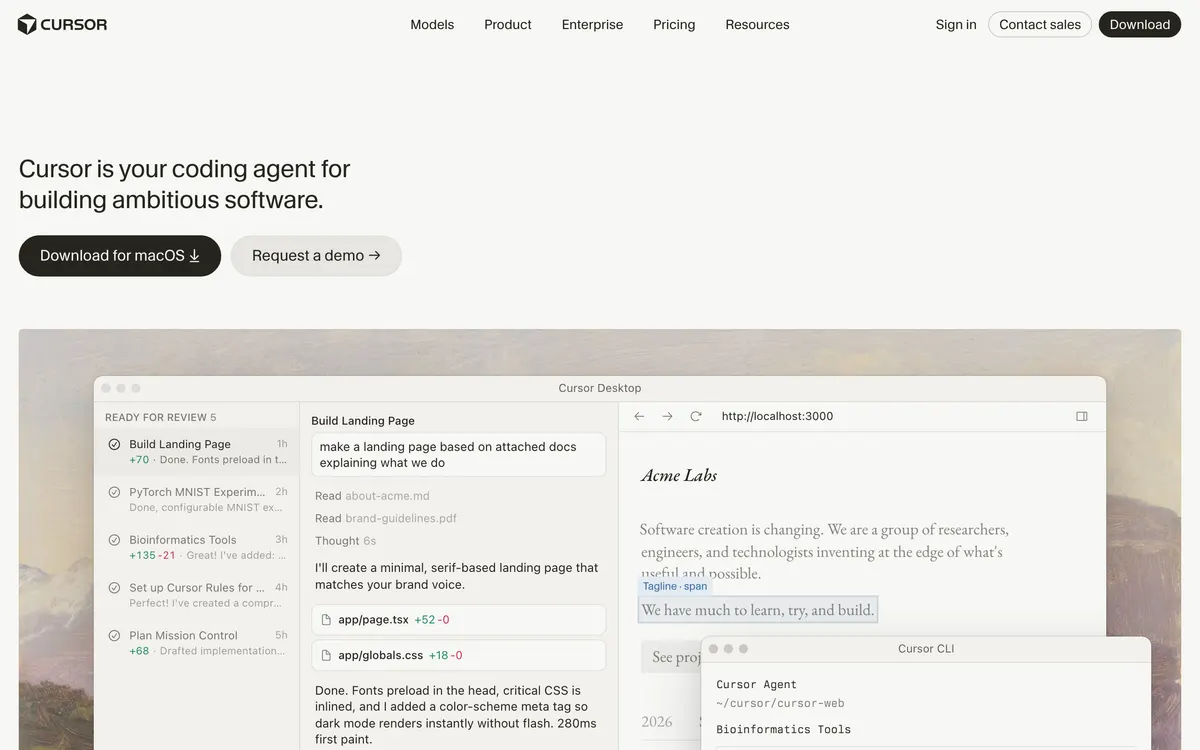
Cursor is a code editor forked from VS Code with AI assistance built into the core workflow. It can edit across multiple files from a natural-language prompt, answer questions about a codebase, and apply changes inline.

Tabnine
AI code assistant for software development with enterprise control
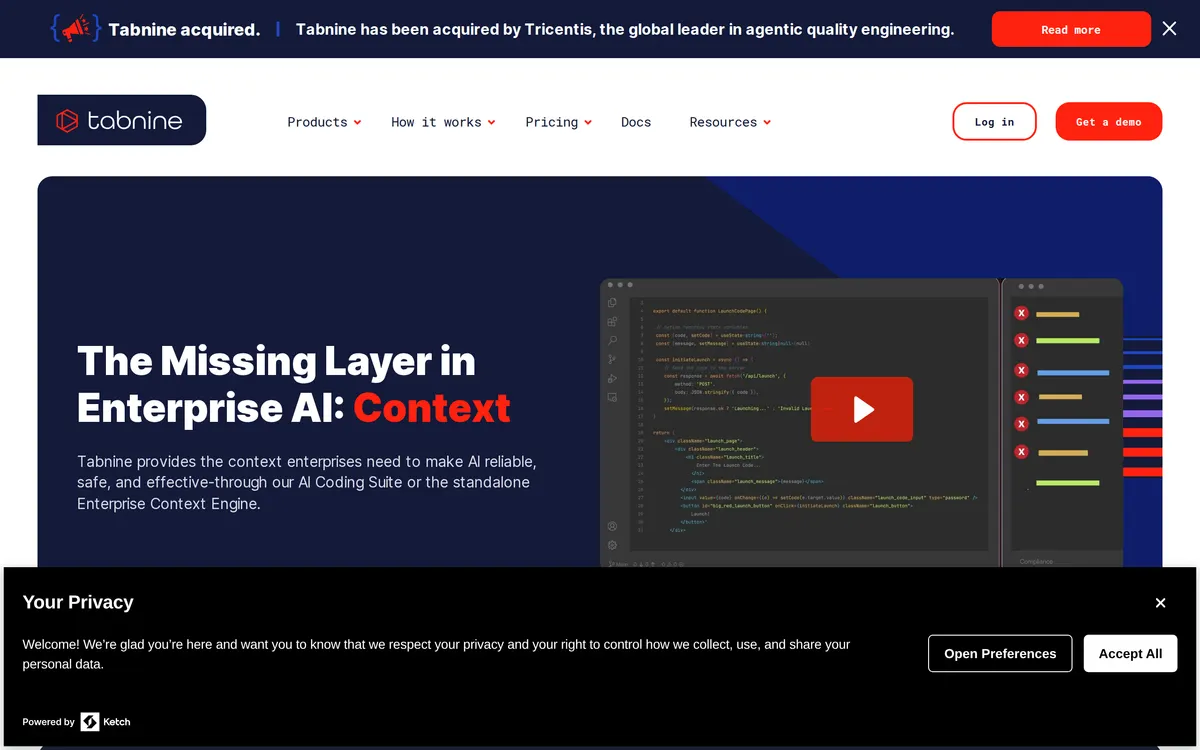
Tabnine serves as an AI code assistant built for software development teams. It incorporates an Enterprise Context Engine alongside automated Code Completion capabilities. The platform prioritizes privacy, security, and compliance across developer workflows.
Key features
Cursor
- Multi-file edits from a single prompt
- Codebase-aware chat and search
- Inline completions and refactors
- Works with existing VS Code extensions
Tabnine
- Code Completion
- Enterprise Context Engine
- Developer Workflow Integration
- Security and Compliance
What each one does well
Cursor
- ✓ Editing across many files from one natural-language prompt
- ✓ Understanding an unfamiliar codebase through chat
- ✓ Staying in a familiar VS Code environment while adding AI
Tabnine
- ✓ Context-aware code completion
- ✓ Accelerating software development
- ✓ Maintaining enterprise code privacy and compliance
People also ask
What is the difference between Cursor and Tabnine?
Cursor and Tabnine are both tracked for code-completion, codebase-context. Of the capabilities they do not share, only Cursor is tracked for code-editor, ai-chat, refactoring, and only Tabnine is tracked for ide-integration.
How much do Cursor and Tabnine cost?
Cursor: free plan, then $20/mo. Tabnine: paid.
Answers are generated from the tracked plans and capability tags shown above, so they move when the vendors' pages do.
Full fact sheets, FAQs, and discussion links: Cursor · Tabnine · all code tools