FLUX vs Krea
Where they differ
From the pricing tiers and capability tags we track. A capability missing on one side means we have not recorded it there, not that the tool cannot do it.
At a glance
FLUX and Krea both appear in this directory's image listings. Prices below were read from the vendors' own pages, most recently on October 19, 2026. FLUX starts at $0.06 usage-based and Krea at $7/mo, billed over different periods, so neither is ranked cheaper here. FLUX also runs on API. No score and no winner: the facts do the picking.
Capability tags are factual labels we assign when a tool is added; they describe what a tool does, not how well it does it.
Checked against the vendors. Written from each vendor's own site and last re-checked there: FLUX (under review since October 19, 2026) · Krea (under review since October 19, 2026). Vendors change pricing and features without notice, so confirm anything that decides your purchase on the vendor's page.

FLUX
State of the art visual intelligence and generative image models
FLUX is a suite of generative image models created by Black Forest Labs, including FLUX.2 and FLUX 3. The toolset includes capabilities for image generation, generative editing, outpainting, and object removal. Developers can access the models via a pay-as-you-go API, deploy open weights locally, or experiment directly in a web playground.

Krea
AI platform for image, video, and 3D generation and editing
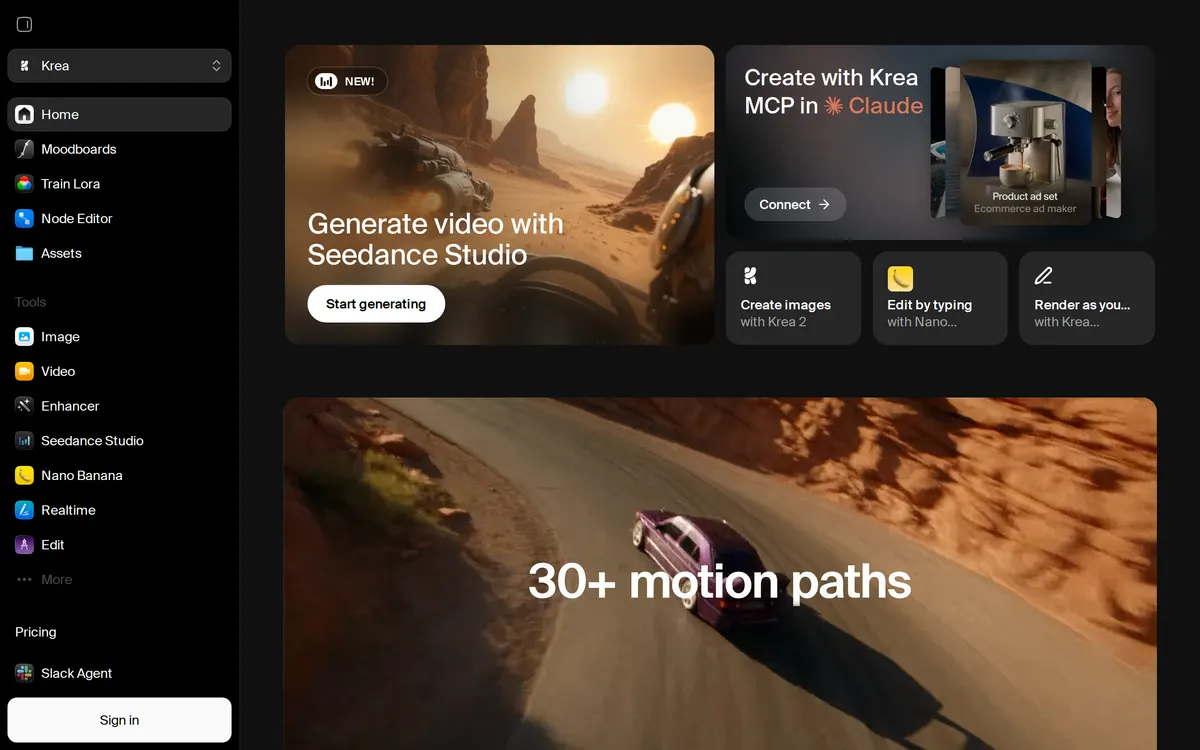
Krea is a web-based creative platform that provides access to over 100 AI models for image, video, and 3D generation. Creators can generate media, upscale visuals up to 22K resolution, and edit content using node-based workflows. The platform includes real-time generation capabilities powered by Krea's Realtime 14B model.
Also in image
A tool we have an affiliate relationship with. It is not part of the comparison above and we are not calling it the better pick.

- Generating multi-format ad visuals quickly
- Analyzing competitor ad creative strategies
- Creating UGC-style video ads from single image uploads
Key features
FLUX
- Text-to-image generation and generative editing with FLUX Kontext
- Object and shadow removal using FLUX Erase
- Frame extension in any direction using FLUX Outpainting
- Sub-4 second visual try-on generation for e-commerce products
Krea
- Multi-model generation for images, videos, and 3D objects
- Real-time AI canvas rendering imagery instantly during text or sketch input
- In-browser custom LoRA training for style and subject fine-tuning
- Media upscaling up to 22K resolution and video frame interpolation
- Node-based visual workflow editor for chaining AI models
What each one does well
FLUX
- ✓ Generating and editing images using generative flow matching models
- ✓ Self-hosting open-weight image models on private hardware
- ✓ Integrating visual AI generation into creative platforms via API
Krea
- ✓ Generating and upscaling AI images and videos from a single dashboard
- ✓ Training custom LoRA models on brand assets or personal image datasets
- ✓ Building multi-step visual AI automation pipelines with node-based workflows
People also ask
Which is cheaper, FLUX or Krea?
FLUX starts at $0.06 usage-based and Krea starts at $7/mo. The two are billed over different periods, so we do not rank them on price.
Does FLUX or Krea have a free plan?
FLUX publishes no free plan, and Krea has a free plan.
What is the difference between FLUX and Krea?
FLUX and Krea are both tracked for image-generation, image-editing, fine-tuned-models. Of the capabilities they do not share, only FLUX is tracked for text-to-image, ai-generation, developer-api, and only Krea is tracked for video-generation, 3d-generation, upscaling.
How much do FLUX and Krea cost?
FLUX: from $0.06 usage-based. Krea: free plan, then $7/mo.
Answers are generated from the tracked plans and capability tags shown above, so they move when the vendors' pages do.
Full fact sheets, FAQs, and discussion links: FLUX · Krea · all image tools