
Make
Visually design, build, and automate anything across apps
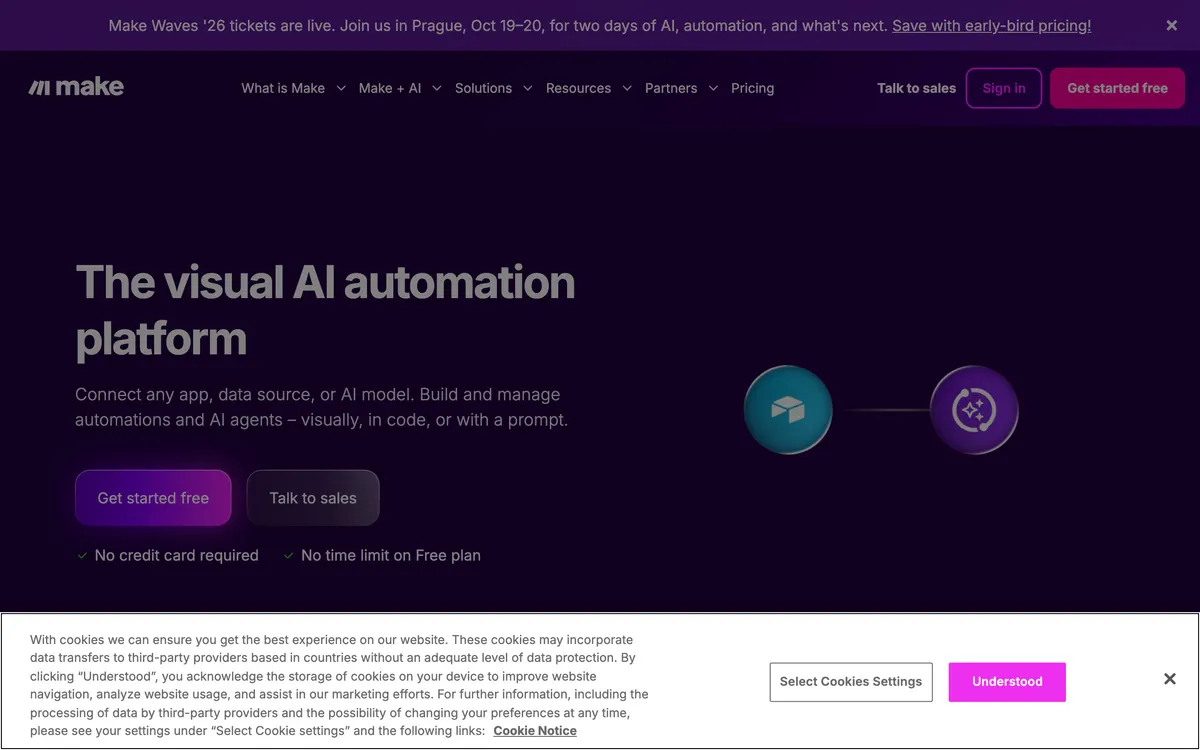
Make is a visual automation platform where you drag modules onto a canvas and wire them into 'scenarios' that move data between connected apps. Scenarios can branch, filter, and transform data mid-flow, and a real-time view shows each run as it executes. A free tier covers basic usage, and paid plans add more operations, faster scheduling, and advanced features.
- Category:
- Automation
- Price:
- Free plan available
- Free plan:
- Yes
- Works on:
- Web, API, iOS, Android, Chrome extension
- Integrates with:
- Slack, Google Sheets, Gmail, Airtable, Salesforce, Dropbox
Make pricing
No tiers confirmed yet
We publish a plan name and figure only when make.com prints both on a page we read. Has a free plan, plus paid tiers we have not confirmed a figure for. Rather than estimate, we link the vendor's page.
See pricing on make.com ↗At a glance
- Free trial
- Not listed
- Team plan
- Yes
- Open source
- No
- Self-hostable
- No
- Capabilities
- No code App integration Workflow automation Developer API Templates Scheduling
Featured on
Last confirmed: against make.com. Information may have changed since then; check the vendor before you buy. How we check.
Compare Make
Ordered by how often each comparison is searched, taken from Google's autocomplete suggestions. Pricing on both sides comes from the vendors' own pages.
All Make alternatives



What Make does well
- ✓ Building branching, multi-path automations visually
- ✓ Transforming data as it moves between apps
- ✓ Watching scenario runs execute step by step for debugging
Key features
- Visual workflow builder
- Connects thousands of apps
- Data transformation capabilities
- Real-time execution monitoring
- Pre-built templates
A tool we have an affiliate relationship with. Not a recommendation over Make.

- Extracting structured e-commerce product catalogs and directory listings
- Monitoring competitor pricing or stock updates with automated alerts
- Building multi-level deep scraping workflows across subpages
People also ask
Is Make free to use? +
Make offers a free plan with limited operations and data transfer. Paid plans are available for users requiring higher usage limits and advanced features.
How does Make automate workflows? +
Make automates workflows by allowing users to visually connect app modules into 'scenarios'. These scenarios define a sequence of actions and data transfers that execute automatically based on triggers.
What kind of applications can Make connect? +
Make can connect with thousands of applications and services, including popular tools for CRM, marketing, project management, and data storage, often through pre-built integrations or custom API calls.
What platforms does Make run on? +
Make runs on Web, API, iOS, Android, Chrome extension.
What does Make integrate with? +
Make officially integrates with Slack, Google Sheets, Gmail, Airtable, Salesforce, Dropbox.
A new AI tool every weekday, in your inbox
Tools like Make, delivered daily. No hype, 30 seconds to read. Free, unsubscribe anytime.
Pricing
We track and organize AI tools. We don't rate them. We link a Product Hunt listing or a Reddit thread when we have confirmed a real one for this tool, and nothing when we haven't.
For the Make team: add a badge to your site
Make was the AI Tool of the Day on July 10, 2026. The badge says that and links here. It is a fact about this listing, not a rating or an award.


Launch post, changelog or press page? The Make kit has a one-line mention, the share card and ready-to-post text.
More automation AI tools
View all automation tools →
Turn natural language prompts into reusable web scrapers

Marketplace of tools for web data and AI

Open-source context API to search, scrape, and interact with the web
10% off your first purchase through our link

Chat to automation across the apps your teams already use