
Opus Clip
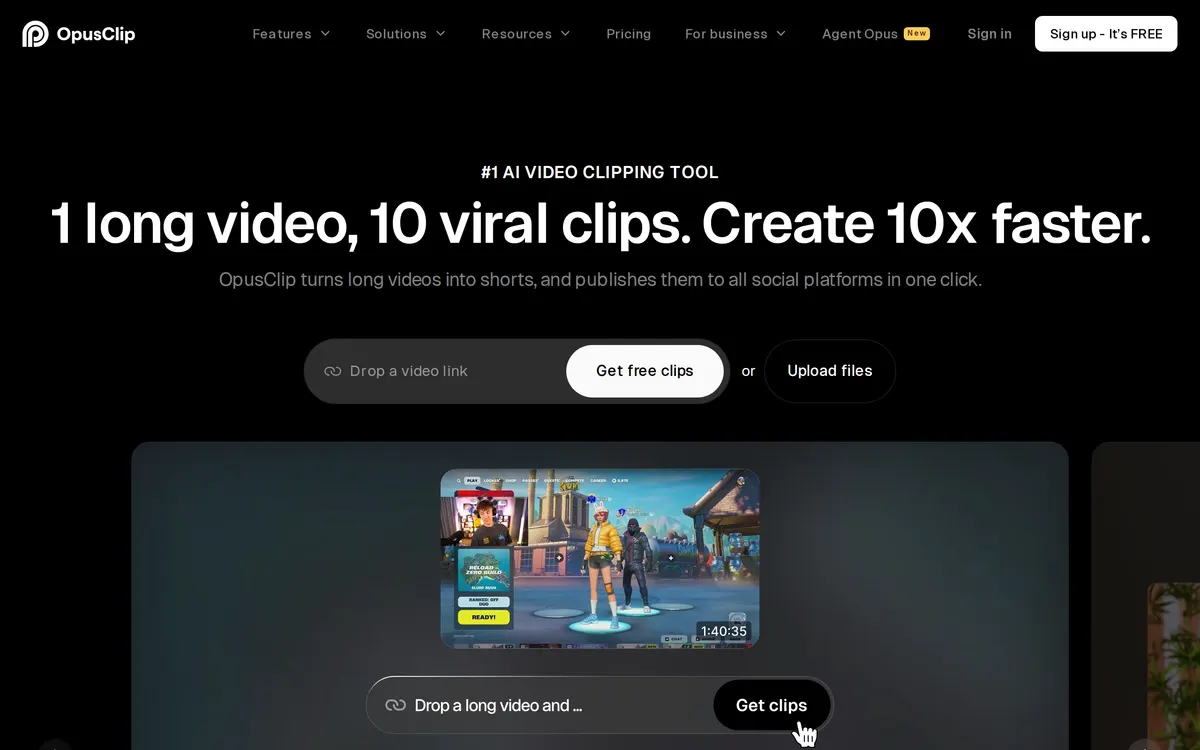
AI video platform for clipping long videos into shorts
Worth knowing: Free plan: 60 credits per month
These links are affiliate links: we may earn a commission if you sign up, at no extra cost to you. It does not affect what we track or how Opus Clip is listed. How we make money
The platform spans OpusClip for automated video clipping and Agent Opus for end-to-end AI video creation from text prompts. It utilizes advanced AI models to handle tasks such as captioning, reframing, and virality scoring. Pricing structures include a free tier alongside monthly paid subscription options.
- Category:
- Video
- Price:
- Free plan, then $15/mo
- Free plan:
- Yes
- Works on:
- Web, API
- Prices checked:
- , against opus.pro
Opus Clip pricing
As printed on opus.pro on October 26, 2026
Figures are copied from the vendor's own pricing page, never calculated or converted, and a tier we could not confirm is left out rather than estimated. Pricing changes without notice. Check opus.pro before you buy ↗
At a glance
- Free trial
- Not listed
- Team plan
- Yes
- Open source
- No
- Self-hostable
- Not listed
- Capabilities
- AI agents Developer API Speech-to-text Transcription Video editing Video generation
- Also listed in
- AI meeting notes tools → AI voice and speech tools →
Featured on
Last confirmed: against opus.pro. Information may have changed since then; check the vendor before you buy. How we check.
Compare Opus Clip
Ordered by how often each comparison is searched, taken from Google's autocomplete suggestions. Pricing on both sides comes from the vendors' own pages.
All Opus Clip alternatives


What Opus Clip does well
- ✓ Repurposing long podcasts and interviews into short social media clips
- ✓ Automating video pipelines using AI agents and MCP servers
- ✓ Generating faceless and explainer videos from text prompts
Key features
- Turns long-form video into high-quality viral short clips
- Agent Opus handles research, scripting, motion graphics, and voiceover from a single prompt
- Native MCP server exposes twenty-nine tools for developer and AI agent automation
- Automated social media scheduling and publishing across multiple platforms
People also ask
What video import sources are supported? +
Supported sources include local video uploads up to 10GB per video, YouTube links, Google Drive, Vimeo, Zoom, Rumble, and StreamYard depending on the selected plan.
Can I export videos to editing software? +
Paid plans support exporting rendered clips as MP4 files, and certain tiers support exporting directly to Adobe Premiere Pro and DaVinci Resolve.
How can developers automate the video pipeline? +
Developers can use the public REST API or the native Model Context Protocol server to automate uploading, clipping, editing, captioning, and scheduling.
Is Opus Clip free? +
Yes, Opus Clip has a free plan (60 credits per month), as of October 26, 2026. Paid plans start at $15/mo.
How much does Opus Clip cost? +
As of October 26, 2026, Opus Clip lists 4 plans: Free, Starter at $15/mo, Pro at $29/mo, Business (custom pricing).
What platforms does Opus Clip run on? +
Opus Clip runs on Web, API.
A new AI tool every weekday, in your inbox
Tools like Opus Clip, delivered daily. No hype, 30 seconds to read. Free, unsubscribe anytime.
Pricing
We track and organize AI tools. We don't rate them. We link a Product Hunt listing or a Reddit thread when we have confirmed a real one for this tool, and nothing when we haven't.
For the Opus Clip team: add a badge to your site
Opus Clip was the AI Tool of the Day on August 24, 2026. The badge says that and links here. It is a fact about this listing, not a rating or an award.


Launch post, changelog or press page? The Opus Clip kit has a one-line mention, the share card and ready-to-post text.
More video AI tools
View all video tools →
Online and desktop video editor with built-in AI tools

Edit shorts faster with AI

AI video creation, made for social

AI video ad generator with digital actors and creative workflows