
Speechify
Cloud-based text to speech platform with lifelike AI voices
Where people discuss it: Product Hunt ↗
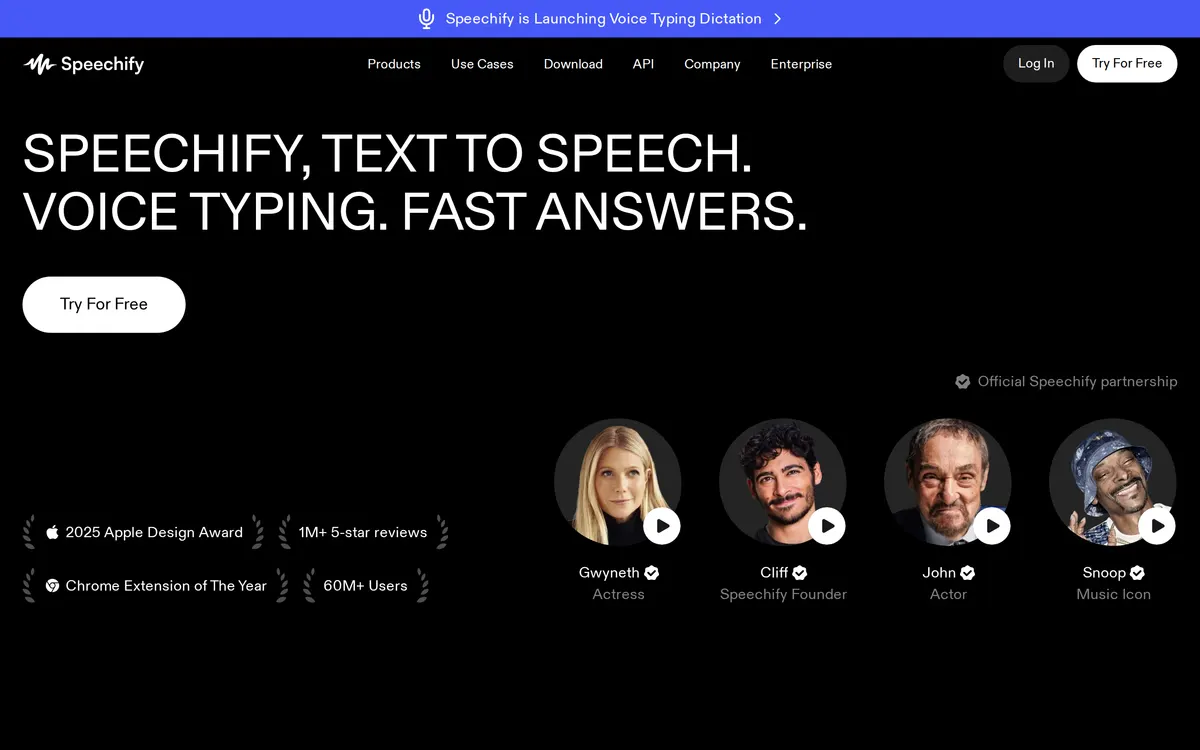
The platform functions as a voice AI assistant that reads PDFs, documents, emails, and web pages aloud, while also providing voice typing dictation, AI summaries, and voice cloning capabilities. It supports adjustable speeds up to 5x and integrates with tools like Google Drive and Dropbox. The service is available through a free tier with limited robotic voices and a paid premium tier offering the complete voice library and advanced features.
- Category:
- Audio
- Price:
- Free plan, then $29/mo
- Free plan:
- Yes
- Works on:
- Web, macOS, Windows, iOS, Android, Chrome extension, API
- Integrates with:
- Google Drive, Dropbox, Microsoft OneDrive, Slack, Outlook
Speechify pricing
As printed on speechify.com on October 5, 2026
Figures are copied from the vendor's own pricing page, never calculated or converted, and a tier we could not confirm is left out rather than estimated. Pricing changes without notice. Check speechify.com before you buy ↗
At a glance
- Free trial
- Not listed
- Team plan
- Not listed
- Open source
- No
- Self-hostable
- No
- Capabilities
- Text-to-speech Speech-to-text Voice cloning Dubbing Avatar video Summarization
- Also listed in
- AI voice and speech tools →
Added to the catalog
Under review since : our re-check against speechify.com did not confirm every detail below (contradicted by source). Check the vendor before you buy. How we check.
Compare Speechify
Ordered by how often each comparison is searched, taken from Google's autocomplete suggestions. Pricing on both sides comes from the vendors' own pages.
All Speechify alternatives


What Speechify does well
- ✓ Listening to documents and books on the go
- ✓ Generating realistic voiceovers and AI podcasts
- ✓ Writing documents and emails using voice dictation
Key features
- Over 1,000 lifelike AI voices in 60+ languages
- Text highlighting and speed controls up to 5x
- Voice typing dictation across applications
- AI voice cloning, avatars, dubbing, and voice changer
A tool we have an affiliate relationship with. Not a recommendation over Speechify.

- Generating realistic voiceovers
- Creating custom AI voices
- Translating spoken content
People also ask
How does AI text to speech work in Speechify? +
AI text to speech uses machine learning and speech synthesis when an app is installed on a mobile device or browser extension, scanning words on a page to read them aloud in real time.
What devices and platforms are supported? +
Speechify is available as a web app, Chrome and Edge browser extensions, iOS and Android mobile apps, and dedicated applications for Mac and Windows.
What file types can be read aloud? +
Users can upload PDFs, books, documents, and emails, or have the system read web pages directly from a browser.
Is Speechify free? +
Yes, Speechify has a free plan. Paid plans start at $29/mo.
How much does Speechify cost? +
Speechify lists 2 plans: Free, Premium at $29/mo.
What does Speechify integrate with? +
Speechify officially integrates with Google Drive, Dropbox, Microsoft OneDrive, Slack, Outlook.
A new AI tool every weekday, in your inbox
Tools like Speechify, delivered daily. No hype, 30 seconds to read. Free, unsubscribe anytime.
Pricing & Product Hunt
We track and organize AI tools. We don't rate them. These links go to the tool's own listing and discussion pages so you can judge for yourself.
For the Speechify team: add a badge to your site
The badge says Speechify is listed here and links to this page. It is a fact about this listing, not a rating or an award.


Launch post, changelog or press page? The Speechify kit has a one-line mention, the share card and ready-to-post text.
More audio AI tools
View all audio tools →
Investigative evidence analysis and speech-to-text platform

Fast track your first draft with AI transcription software

AI meeting and transcription platform for capturing conversations

Voice-to-text dictation and meeting notetaker app