Browse AI vs Make
At a glance
Browse AI and Make both appear in this directory's automation listings. Prices below were read from the vendors' own pages, most recently on October 26, 2026. Browse AI starts at $19/mo; no paid figure is confirmed for Make. Make also runs on iOS and Android. No score and no winner: the facts do the picking.
Capability tags are factual labels we assign when a tool is added; they describe what a tool does, not how well it does it.
Checked against the vendors. Written from each vendor's own site and last re-checked there: Browse AI (under review since October 26, 2026) · Make on October 12, 2026. Vendors change pricing and features without notice, so confirm anything that decides your purchase on the vendor's page.

Browse AI
No-code web scraping and website monitoring platform
Browse AI extracts structured data from web pages and monitors site changes without programming knowledge. It features over 200 prebuilt scrapers for platforms like LinkedIn, Amazon, and Google Maps, running tasks via cloud infrastructure or a Chrome extension. Data exports sync directly to spreadsheets, databases, and third-party workflow tools.

Make
Visually design, build, and automate anything across apps
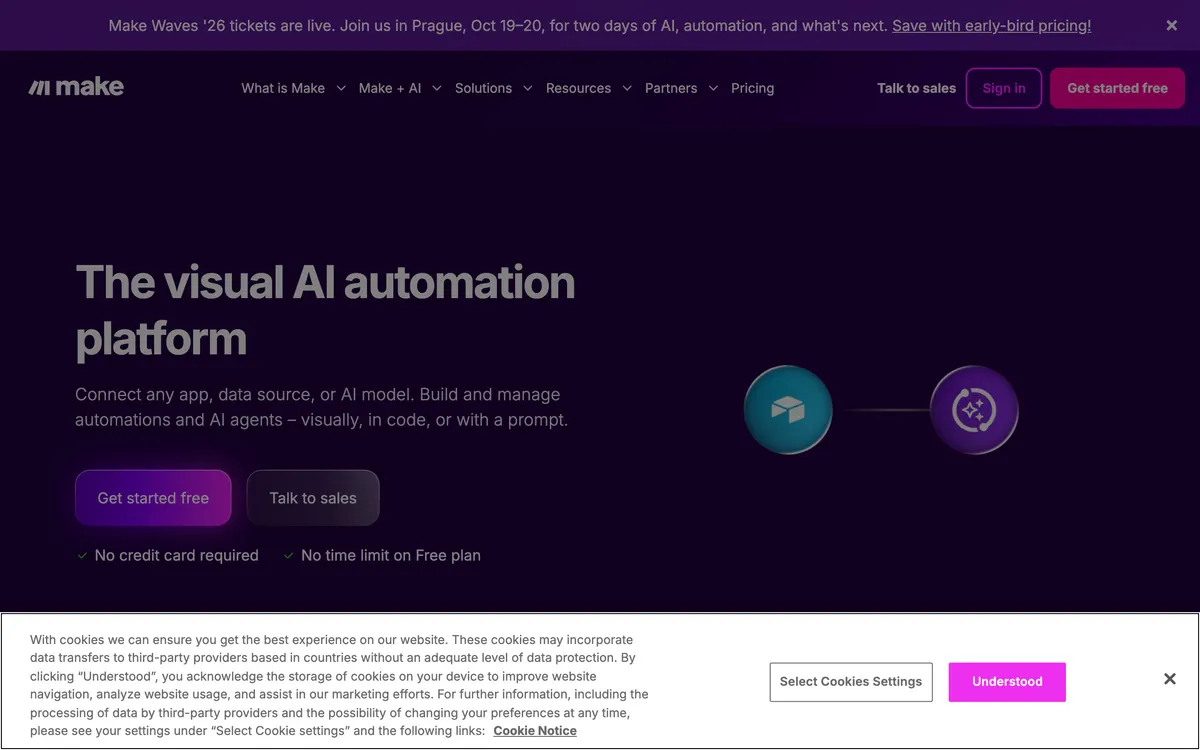
Make is a visual platform for designing, building, and automating workflows. It allows users to connect various applications and services without writing code. This enables the creation of automated processes between different software tools.
Also in automation
A tool we have an affiliate relationship with. It is not part of the comparison above and we are not calling it the better pick.

- Building no-code web scrapers from text prompts
- Running browser automation tasks through an AI agent CLI
- Extracting structured data from dynamic and authenticated websites
Browse AI and Make in action
Each vendor's own walkthrough, from its homepage or official YouTube channel. We don't make these videos and we don't rate them.
Browse AI
Make
Key features
Browse AI
- Extract structured text, tables, and images from web pages
- Schedule website monitoring and receive content change alerts
- Execute multi-page deep scraping workflows and bulk processing
- Bypass CAPTCHAs and anti-bot systems with rotating proxies
Make
- Visual workflow builder
- Connects thousands of apps
- Data transformation capabilities
- Real-time execution monitoring
- Pre-built templates
What each one does well
Browse AI
- ✓ Extracting structured e-commerce product catalogs and directory listings
- ✓ Monitoring competitor pricing or stock updates with automated alerts
- ✓ Building multi-level deep scraping workflows across subpages
Make
- ✓ Building branching, multi-path automations visually
- ✓ Transforming data as it moves between apps
- ✓ Watching scenario runs execute step by step for debugging
People also ask
What is the difference between Browse AI and Make?
Browse AI and Make are both tracked for no-code, workflow-automation, developer-api, app-integration, templates. Of the capabilities they do not share, only Make is tracked for scheduling.
How much do Browse AI and Make cost?
Browse AI: free plan, then $19/mo. Make: free plan available.
Answers are generated from the tracked plans and capability tags shown above, so they move when the vendors' pages do.
Full fact sheets, FAQs, and discussion links: Browse AI · Make · all automation tools