Grammarly vs Wordtune
Cheapest paid tier each vendor publishes. Free plans are listed above; tiers priced on request are not plotted because there is no figure to plot.
Where they differ

Only on Grammarly
- Tone detection
- Also on macOS, Windows, Android and API

Only on Wordtune
- Lower entry price: $6.99/mo against $30/mo
- Summarization
- Translation
From the pricing tiers and capability tags we track. A capability missing on one side means we have not recorded it there, not that the tool cannot do it.
At a glance
Grammarly and Wordtune both appear in this directory's writing listings. Prices below were read from the vendors' own pages, most recently on October 31, 2026. Paid plans start at $30/mo on Grammarly and $6.99/mo on Wordtune. We track tone detection on Grammarly and summarization on Wordtune; both cover grammar checker and spell checker. No score and no winner: the facts do the picking.
Capability tags are factual labels we assign when a tool is added; they describe what a tool does, not how well it does it.
Checked against the vendors. Written from each vendor's own site and last re-checked there: Grammarly on October 12, 2026 · Wordtune on October 31, 2026. Vendors change pricing and features without notice, so confirm anything that decides your purchase on the vendor's page.
Grammarly
Grammar, style, and generative writing help across your apps
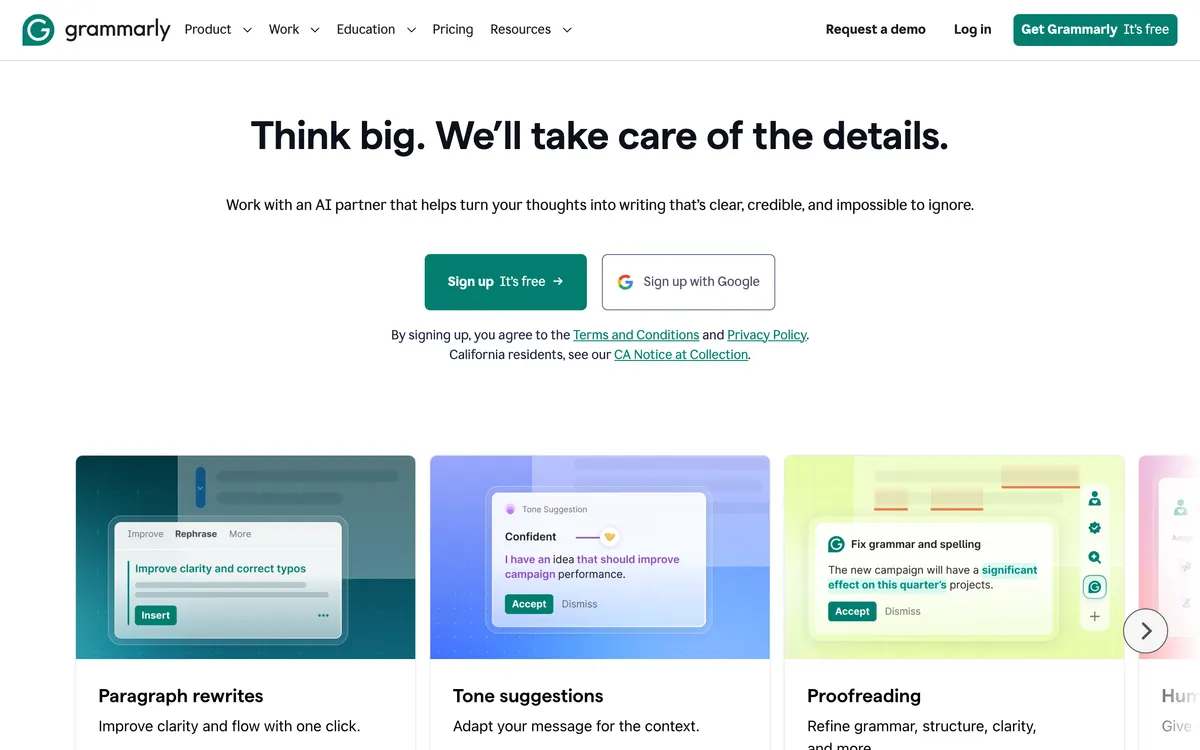
Grammarly checks grammar, spelling, punctuation, and tone, and can rewrite or generate text on demand. It works as a browser extension, desktop app, keyboard, and inside Microsoft Word and Google Docs.
Wordtune
An AI-powered writing assistant and paraphrasing tool

Wordtune is a writing assistant that paraphrases text, checks grammar, and summarizes documents. It offers a browser extension rating of 4.7 out of 5 stars.
Also in writing
A tool we have an affiliate relationship with. It is not part of the comparison above and we are not calling it the better pick.

- Paraphrasing and rewriting text
- Checking essays and articles for plagiarism
- Generating academic citations
Key features
Grammarly
- Grammar, spelling, and punctuation checks
- Tone and clarity suggestions
- Generative rewriting and drafting prompts
- Works in the browser, desktop, Word, Google Docs, and mobile
- Team style guides on Business plans
Wordtune
- Paraphrases sentences and generates rewrite suggestions
- Switches between casual and formal tones
- Translates multiple languages into English
- Summarizes documents, articles, and YouTube videos
What each one does well
Grammarly
- ✓ Catching typos and awkward phrasing across every app you write in
- ✓ Adjusting the tone of an email or message before you send it
- ✓ Team style consistency across many writers
Wordtune
- ✓ Paraphrasing and rewriting sentences
- ✓ Checking spelling and grammar
- ✓ Summarizing articles and documents
People also ask
Which is cheaper, Grammarly or Wordtune?
Wordtune is cheaper: paid plans start at $30/mo for Grammarly and $6.99/mo for Wordtune.
Does Grammarly or Wordtune have a free plan?
Both Grammarly and Wordtune publish a free plan.
What is the difference between Grammarly and Wordtune?
Grammarly and Wordtune are both tracked for grammar-checker, spell-checker, writing-assistant, generative-writing. Of the capabilities they do not share, only Grammarly is tracked for tone-detection, and only Wordtune is tracked for summarization, translation.
How much do Grammarly and Wordtune cost?
Grammarly: free plan, then $30/mo. Wordtune: free plan, then $6.99/mo.
Answers are generated from the tracked plans and capability tags shown above, so they move when the vendors' pages do.
Full fact sheets, FAQs, and discussion links: Grammarly · Wordtune · all writing tools