
Grammarly
Grammar, style, and generative writing help across your apps
Where people discuss it: Product Hunt ↗
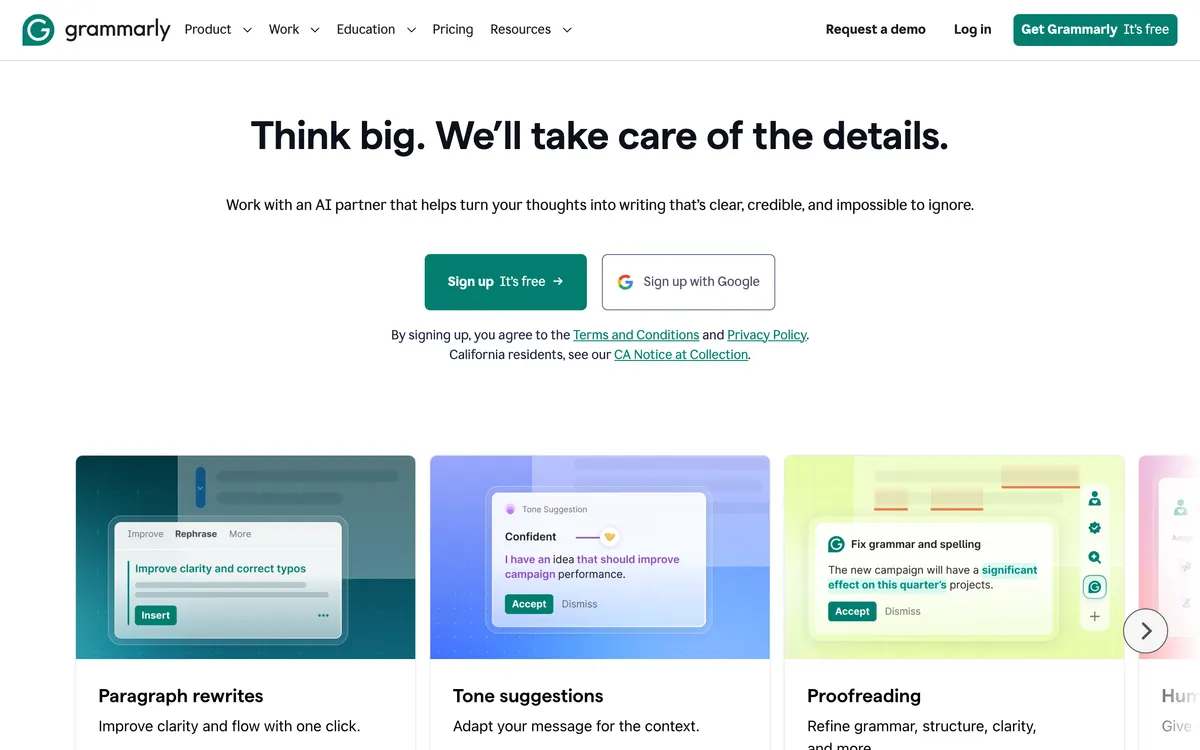
Grammarly started as a grammar and spelling checker and now includes a generative writing assistant that can draft, rewrite, shorten, or change the tone of text in place. It runs across the browser, desktop, mobile keyboards, Google Docs, and Microsoft Word so the same suggestions appear in most places you write. A free plan covers core grammar and spelling checks; paid Pro and Business plans unlock the full style, tone, and generative features.
- Category:
- Writing
- Price:
- Free plan, then $30/mo
- Free plan:
- Yes
- Works on:
- Web, macOS, Windows, iOS, Android, API, Chrome extension
- Integrates with:
- Microsoft Word, Google Docs, Gmail, Slack, Outlook
- Prices checked:
- , against grammarly.com
Grammarly pricing
As printed on grammarly.com on October 12, 2026
Figures are copied from the vendor's own pricing page, never calculated or converted, and a tier we could not confirm is left out rather than estimated. Pricing changes without notice. Check grammarly.com before you buy ↗
At a glance
- Free trial
- Not listed
- Team plan
- Yes
- Open source
- No
- Self-hostable
- No
- Capabilities
- Grammar checker Spell checker Writing assistant Tone detection Generative writing
Featured on
Last confirmed: against grammarly.com. Information may have changed since then; check the vendor before you buy. How we check.
Compare Grammarly
Ordered by how often each comparison is searched, taken from Google's autocomplete suggestions. Pricing on both sides comes from the vendors' own pages.
All Grammarly alternatives

What Grammarly does well
- ✓ Catching typos and awkward phrasing across every app you write in
- ✓ Adjusting the tone of an email or message before you send it
- ✓ Team style consistency across many writers
Key features
- Grammar, spelling, and punctuation checks
- Tone and clarity suggestions
- Generative rewriting and drafting prompts
- Works in the browser, desktop, Word, Google Docs, and mobile
- Team style guides on Business plans
A tool we have an affiliate relationship with. Not a recommendation over Grammarly.

- Paraphrasing and rewriting text
- Checking essays and articles for plagiarism
- Generating academic citations
People also ask
Is Grammarly free? +
Yes. Grammarly has a free tier that covers basic grammar and spelling. Paid Pro and Business plans add tone, clarity rewrites, and generative features.
Does Grammarly work in Google Docs and Word? +
Yes. Grammarly has integrations for both Google Docs and Microsoft Word, plus a browser extension and desktop app.
Does Grammarly train on my writing? +
Grammarly publishes a data usage policy that lets business customers opt out of having their content used to train models. Check the current policy for details.
How much does Grammarly cost? +
As of October 12, 2026, Grammarly lists 3 plans: Free, Pro at $30/mo, Enterprise (custom pricing).
What platforms does Grammarly run on? +
Grammarly runs on Web, macOS, Windows, iOS, Android, API, Chrome extension.
What does Grammarly integrate with? +
Grammarly officially integrates with Microsoft Word, Google Docs, Gmail, Slack, Outlook.
A new AI tool every weekday, in your inbox
Tools like Grammarly, delivered daily. No hype, 30 seconds to read. Free, unsubscribe anytime.
Pricing & Product Hunt
We track and organize AI tools. We don't rate them. These links go to the tool's own listing and discussion pages so you can judge for yourself.
For the Grammarly team: add a badge to your site
Grammarly was the AI Tool of the Day on June 19, 2026. The badge says that and links here. It is a fact about this listing, not a rating or an award.


Launch post, changelog or press page? The Grammarly kit has a one-line mention, the share card and ready-to-post text.
More writing AI tools
View all writing tools →
AI assistant for client relationships and writing

An AI-powered writing assistant and paraphrasing tool

The newsletter platform built for growth
20% off for your first 3 months through our link

Design branded marketing emails and sales funnels