NotebookLM vs SciSpace
Where they differ
From the pricing tiers and capability tags we track. A capability missing on one side means we have not recorded it there, not that the tool cannot do it.
At a glance
NotebookLM and SciSpace both appear in this directory's search listings. Prices below were read from the vendors' own pages, most recently on October 24, 2026. SciSpace starts at $20/mo; no paid figure is confirmed for NotebookLM. We track knowledge base on NotebookLM and ai search on SciSpace; both cover research and citations. No score and no winner: the facts do the picking.
Capability tags are factual labels we assign when a tool is added; they describe what a tool does, not how well it does it.
Checked against the vendors. Written from each vendor's own site and last re-checked there: NotebookLM on October 12, 2026 · SciSpace on October 24, 2026. Vendors change pricing and features without notice, so confirm anything that decides your purchase on the vendor's page.

NotebookLM
Google's research assistant grounded in your own sources
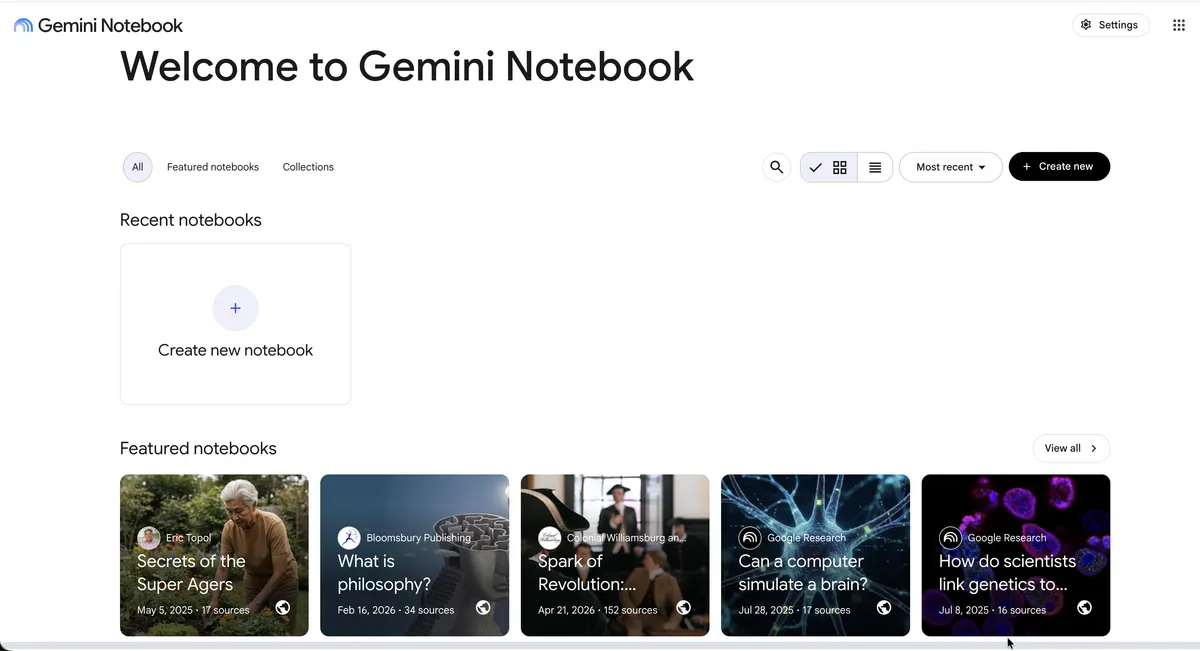
NotebookLM answers questions using only the sources you upload, with inline citations back to them. A free notebook takes up to 50 sources, including PDFs, Google Docs, websites, and YouTube videos. Audio Overviews turn a notebook into a two-host spoken summary.

SciSpace
AI research assistant for literature reviews, paper analysis, and academic writing
SciSpace indexes over 280 million scientific papers to support literature search, synthesis, and academic drafting. Users can upload research PDFs to ask questions and extract data across multiple documents, or run citation-linked reviews. It is accessible on the web, as a Chrome extension, and via mobile apps for iOS and Android.
Also in search
A tool we have an affiliate relationship with. It is not part of the comparison above and we are not calling it the better pick.

- Finding and synthesizing peer-reviewed research papers
- Visualizing scientific agreement on specific research questions
- Connecting AI agents to verified scientific citations via MCP or REST API
Key features
NotebookLM
- Answers grounded in uploaded sources with inline citations
- Accepts PDFs, Google Docs, copied text, websites, and YouTube videos
- Audio Overviews generate a two-host spoken discussion of your sources
- Auto-generated summaries, study guides, and FAQs per notebook
- Notebook sharing for collaborative research
SciSpace
- Chat with PDF to ask questions and receive citation-linked answers referencing specific sections
- Literature search across 280M+ research papers with summary extraction
- Citation formatting across APA, MLA, Chicago, and over 2,300 styles
- Batch data extraction from multiple uploaded PDFs
- PDF to video conversion to summarize research findings visually
What each one does well
NotebookLM
- ✓ Digesting long reports or papers with checkable citations
- ✓ Students building study guides from course material
- ✓ Turning source collections into spoken Audio Overviews
SciSpace
- ✓ Synthesizing findings across scientific papers and systematic literature reviews
- ✓ Extracting tables, data points, and answers directly from complex PDF documents
- ✓ Generating and formatting citations in thousands of academic styles
People also ask
What is the difference between NotebookLM and SciSpace?
NotebookLM and SciSpace are both tracked for research, citations, summarization, documents. Of the capabilities they do not share, only NotebookLM is tracked for knowledge-base, notes, and only SciSpace is tracked for ai-search, writing-assistant.
How much do NotebookLM and SciSpace cost?
NotebookLM: free plan available. SciSpace: free plan, then $20/mo.
Answers are generated from the tracked plans and capability tags shown above, so they move when the vendors' pages do.
Full fact sheets, FAQs, and discussion links: NotebookLM · SciSpace · all search tools