
NotebookLM
Google's research assistant grounded in your own sources
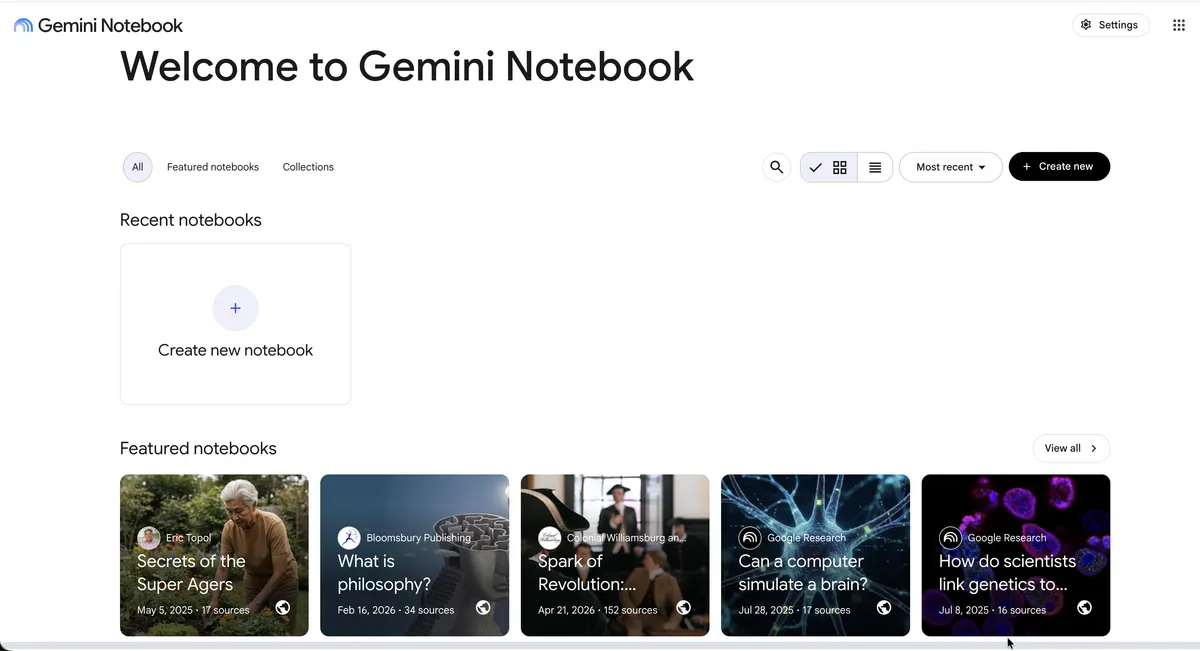
NotebookLM is a Google tool for working through a specific pile of material rather than the open web. You create a notebook, add sources, and then ask questions; every answer cites the exact passages it drew from, so claims can be checked. The same notebook can produce study guides, briefing docs, and Audio Overviews. The base product is free with per-notebook source limits; a paid tier raises those limits and adds usage analytics.
- Category:
- Search
- Price:
- Free plan available
- Free plan:
- Yes
NotebookLM pricing
No tiers confirmed yet
We publish a plan name and figure only when notebooklm.google.com prints both on a page we read. Has a free plan, plus paid tiers we have not confirmed a figure for. Rather than estimate, we link the vendor's page.
See pricing on notebooklm.google.com ↗At a glance
- Free trial
- Not listed
- Team plan
- Not listed
- Open source
- Not listed
- Self-hostable
- Not listed
- Capabilities
- Research Citations Summarization Documents Knowledge base Notes
Featured on
Last confirmed: against notebooklm.google.com. Information may have changed since then; check the vendor before you buy. How we check.
Compare NotebookLM
Ordered by how often each comparison is searched, taken from Google's autocomplete suggestions. Pricing on both sides comes from the vendors' own pages.
All NotebookLM alternatives



What NotebookLM does well
- ✓ Digesting long reports or papers with checkable citations
- ✓ Students building study guides from course material
- ✓ Turning source collections into spoken Audio Overviews
Key features
- Answers grounded in uploaded sources with inline citations
- Accepts PDFs, Google Docs, copied text, websites, and YouTube videos
- Audio Overviews generate a two-host spoken discussion of your sources
- Auto-generated summaries, study guides, and FAQs per notebook
- Notebook sharing for collaborative research
A tool we have an affiliate relationship with. Not a recommendation over NotebookLM.

- Finding and synthesizing peer-reviewed research papers
- Visualizing scientific agreement on specific research questions
- Connecting AI agents to verified scientific citations via MCP or REST API
People also ask
Is NotebookLM free? +
The base version is free with a Google account, with limits such as 50 sources per notebook. NotebookLM Plus, available through Google One AI Premium and Workspace plans, raises the limits.
Does NotebookLM make things up? +
Its answers are grounded in the sources you upload and carry inline citations to the exact passages used, so every claim can be traced and verified. Like any AI system it can still err, which the citations make easier to catch.
What sources can I add to NotebookLM? +
PDFs, Google Docs and Slides, copied text, public website URLs, and YouTube video links, up to the per-notebook source limit.
A new AI tool every weekday, in your inbox
Tools like NotebookLM, delivered daily. No hype, 30 seconds to read. Free, unsubscribe anytime.
Pricing
We track and organize AI tools. We don't rate them. We link a Product Hunt listing or a Reddit thread when we have confirmed a real one for this tool, and nothing when we haven't.
For the NotebookLM team: add a badge to your site
NotebookLM was the AI Tool of the Day on August 25, 2026. The badge says that and links here. It is a fact about this listing, not a rating or an award.


Launch post, changelog or press page? The NotebookLM kit has a one-line mention, the share card and ready-to-post text.
More search AI tools
View all search tools →
Enterprise AI knowledge platform with automated quality and maintenance

AI platform discovering and evaluating scientific literature through Smart Citations

AI research assistant for literature reviews, paper analysis, and academic writing

Institutional intelligence and knowledge platform for firms