
Miro
Visual workspace for teams and AI agents to collaborate
Worth knowing: Free plan: 3 editable boards
Where people discuss it: Product Hunt ↗
These links are affiliate links: we may earn a commission if you sign up, at no extra cost to you. It does not affect what we track or how Miro is listed. How we make money
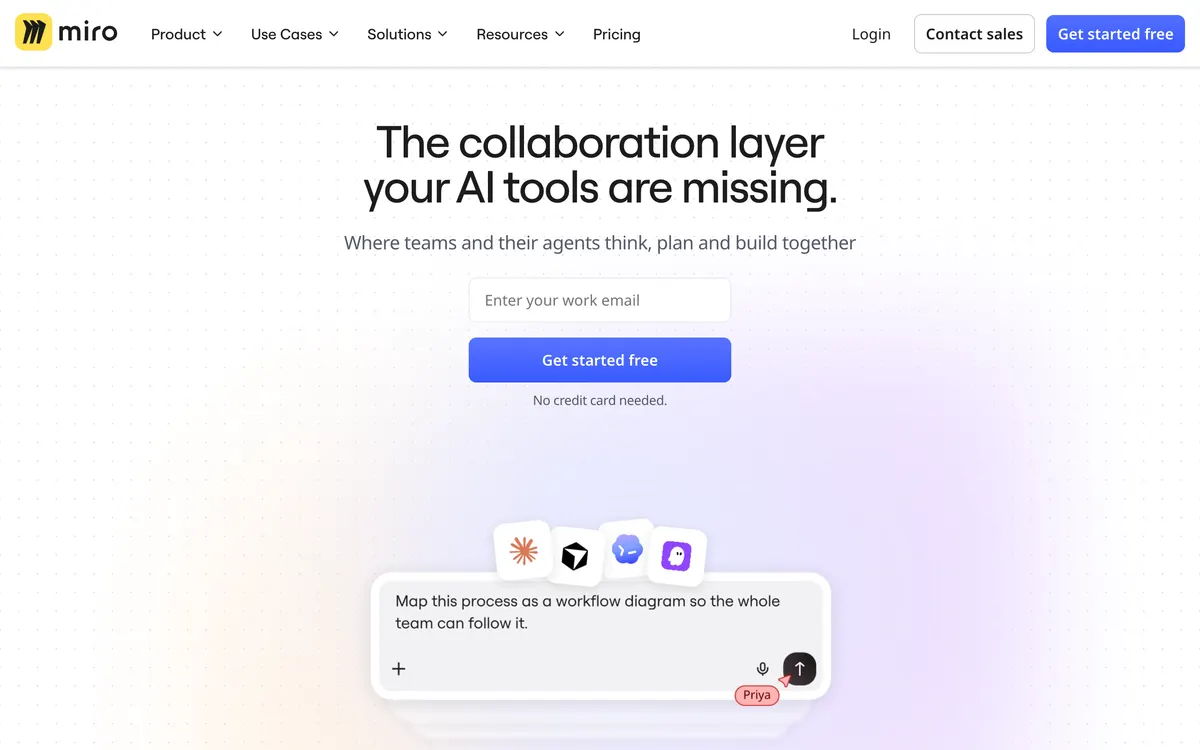
Miro provides an infinite canvas environment combining visual collaboration with structured formats such as docs, data tables, slides, and Kanban boards. Teams can map technical architectures using over 4,700 shapes, automate multi-step AI workflows, and generate interactive prototypes directly from prompts or code. The platform connects with external developer environments and language models via Model Context Protocol (MCP) servers to transfer context bidirectionally. Miro operates on a tiered structure starting with a free plan, followed by paid Starter, Business, and custom Enterprise tiers.
- Category:
- Productivity
- Price:
- Free plan, then $8/mo
- Free plan:
- Yes
- Works on:
- Web
- Integrates with:
- Microsoft, Slack, Google, Adobe, Jira, Asana
- Prices checked:
- , against miro.com
Miro pricing
As printed on miro.com on October 12, 2026
Figures are copied from the vendor's own pricing page, never calculated or converted, and a tier we could not confirm is left out rather than estimated. Pricing changes without notice. Check miro.com before you buy ↗
At a glance
- Free trial
- Not listed
- Team plan
- Yes
- Open source
- No
- Self-hostable
- No
- Capabilities
- AI agents Workflow automation Prototyping Templates Task management Documents
Featured on
Last confirmed: against miro.com. Information may have changed since then; check the vendor before you buy. How we check.
Compare Miro
All Miro alternatives




See Miro in action
What Miro does well
- ✓ Mapping technical systems and cloud architectures with Mermaid and UML shapes
- ✓ Connecting canvas context to developer tools via MCP servers
- ✓ Running interactive workshops with structured polls, timers, and voting
Key features
- Interactive canvas supporting Docs, Tables, Slides, Timelines, and Kanban boards
- AI-assisted diagramming, content summarization, and sticky note clustering
- MCP server integration for two-way context with tools like Claude, Cursor, and Copilot
- Interactive prototype generation from screenshots, code, HTML, prompts, or board content
- Two-way sync integrations with task management systems including Jira, Asana, Linear, and ClickUp
People also ask
How does the Miro MCP server work? +
The Model Context Protocol (MCP) server connects Miro to external AI tools like Claude Code, Cursor, and GitHub Copilot, allowing context to flow bidirectionally to generate code from boards or render Mermaid diagrams on the canvas.
What export formats are supported? +
Users on paid plans can download board frames in high-resolution JPG or PDF formats.
Where does Miro offer regional data hosting for Enterprise customers? +
Enterprise accounts have access to regional data residency options located in the EU, US, Australia, and Japan.
Is Miro free? +
Yes, Miro has a free plan (3 editable boards), as of October 12, 2026. Paid plans start at $8/mo.
How much does Miro cost? +
As of October 12, 2026, Miro lists 4 plans: Free, Starter at $8/mo, Business at $20/mo, Enterprise (custom pricing).
What platforms does Miro run on? +
Miro runs on Web.
What does Miro integrate with? +
Miro officially integrates with Microsoft, Slack, Google, Adobe, Jira, Asana.
A new AI tool every weekday, in your inbox
Tools like Miro, delivered daily. No hype, 30 seconds to read. Free, unsubscribe anytime.
Pricing & Product Hunt
We track and organize AI tools. We don't rate them. These links go to the tool's own listing and discussion pages so you can judge for yourself.
For the Miro team: add a badge to your site
Miro was the AI Tool of the Day on August 14, 2026. The badge says that and links here. It is a fact about this listing, not a rating or an award.


Launch post, changelog or press page? The Miro kit has a one-line mention, the share card and ready-to-post text.
More productivity AI tools
View all productivity tools →
AI meeting intelligence platform for summaries, transcripts, and workflows

The secure AI meeting assistant and note taker

Social media scheduler and distribution assistant for founders

In-browser meeting transcription and AI summaries without bots