Miro vs Motion
Cheapest paid tier each vendor publishes. Free plans are listed above; tiers priced on request are not plotted because there is no figure to plot.
Where they differ

Only on Miro
- Free plan (Motion has none)
- Lower entry price: $8/mo against $19/mo
- AI agents
- Prototyping
Only on Motion
- Scheduling
- Calendar
- Meeting notes
- Also on macOS, Windows, iOS, Android and API
From the pricing tiers and capability tags we track. A capability missing on one side means we have not recorded it there, not that the tool cannot do it.
At a glance
Miro and Motion both appear in this directory's productivity listings. Prices below were read from the vendors' own pages, most recently on October 26, 2026. Paid plans start at $8/mo on Miro and $19/mo on Motion. Miro has a free plan and Motion does not. We track ai agents on Miro and scheduling on Motion; both cover workflow automation and task management. No score and no winner: the facts do the picking.
Capability tags are factual labels we assign when a tool is added; they describe what a tool does, not how well it does it.
Checked against the vendors. Written from each vendor's own site and last re-checked there: Miro on October 12, 2026 · Motion on October 26, 2026. Vendors change pricing and features without notice, so confirm anything that decides your purchase on the vendor's page.
Miro
Visual workspace for teams and AI agents to collaborate

Miro is a visual collaboration platform where teams and AI agents plan, build, and organize work together on an interactive canvas. It includes over 7,000 templates, interactive Docs, Tables, Kanban boards, and an MCP server to connect with external AI tools. Users can run AI workflows, generate diagrams, and connect data across more than 250 integrations.
Motion
AI productivity and work management platform for teams
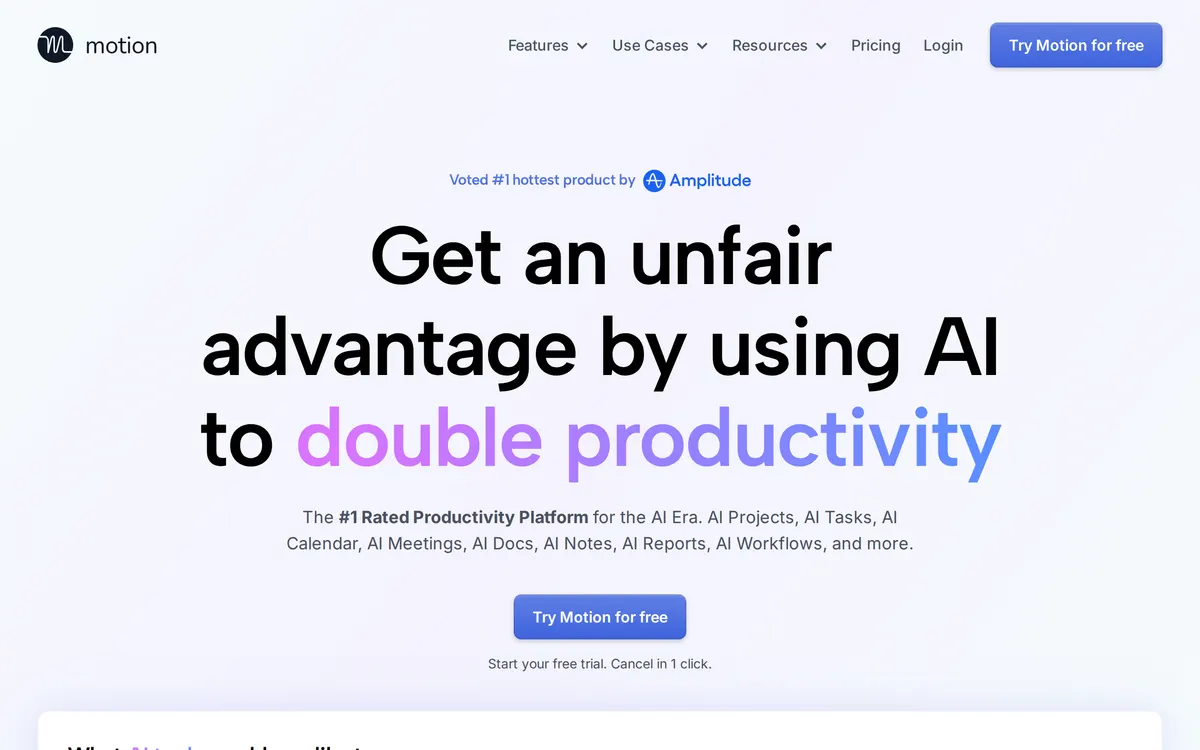
Motion is an AI-powered productivity platform that automates task planning, project management, and calendar scheduling across web, iOS, Android, and desktop applications.
Also in productivity
A tool we have an affiliate relationship with. It is not part of the comparison above and we are not calling it the better pick.

- Visual project and task organization
- Connecting AI agents to personal workspaces
- Managing daily plans and notes in one place
Miro and Motion in action
Each vendor's own walkthrough, from its homepage or official YouTube channel. We don't make these videos and we don't rate them.
Miro
Motion
Key features
Miro
- Interactive canvas supporting Docs, Tables, Slides, Timelines, and Kanban boards
- AI-assisted diagramming, content summarization, and sticky note clustering
- MCP server integration for two-way context with tools like Claude, Cursor, and Copilot
- Interactive prototype generation from screenshots, code, HTML, prompts, or board content
- Two-way sync integrations with task management systems including Jira, Asana, Linear, and ClickUp
Motion
- Automates task scheduling based on deadlines, priorities, and dependencies
- Generates projects, tasks, stages, and deadlines using AI
- Provides a collaborative document editor with AI drafting and task extraction
- Records meetings and generates transcripts, summaries, and action items
What each one does well
Miro
- ✓ Mapping technical systems and cloud architectures with Mermaid and UML shapes
- ✓ Connecting canvas context to developer tools via MCP servers
- ✓ Running interactive workshops with structured polls, timers, and voting
Motion
- ✓ Automated task prioritization and daily planning
- ✓ AI-assisted project management and capacity tracking
- ✓ Meeting transcription and automated follow-up generation
People also ask
Which is cheaper, Miro or Motion?
Miro is cheaper: paid plans start at $8/mo for Miro and $19/mo for Motion.
Does Miro or Motion have a free plan?
Miro has a free plan, and Motion publishes no free plan.
What is the difference between Miro and Motion?
Miro and Motion are both tracked for workflow-automation, task-management, documents. Of the capabilities they do not share, only Miro is tracked for ai-agents, prototyping, templates, and only Motion is tracked for scheduling, calendar, meeting-notes.
How much do Miro and Motion cost?
Miro: free plan, then $8/mo. Motion: from $19/mo.
Answers are generated from the tracked plans and capability tags shown above, so they move when the vendors' pages do.
Full fact sheets, FAQs, and discussion links: Miro · Motion · all productivity tools